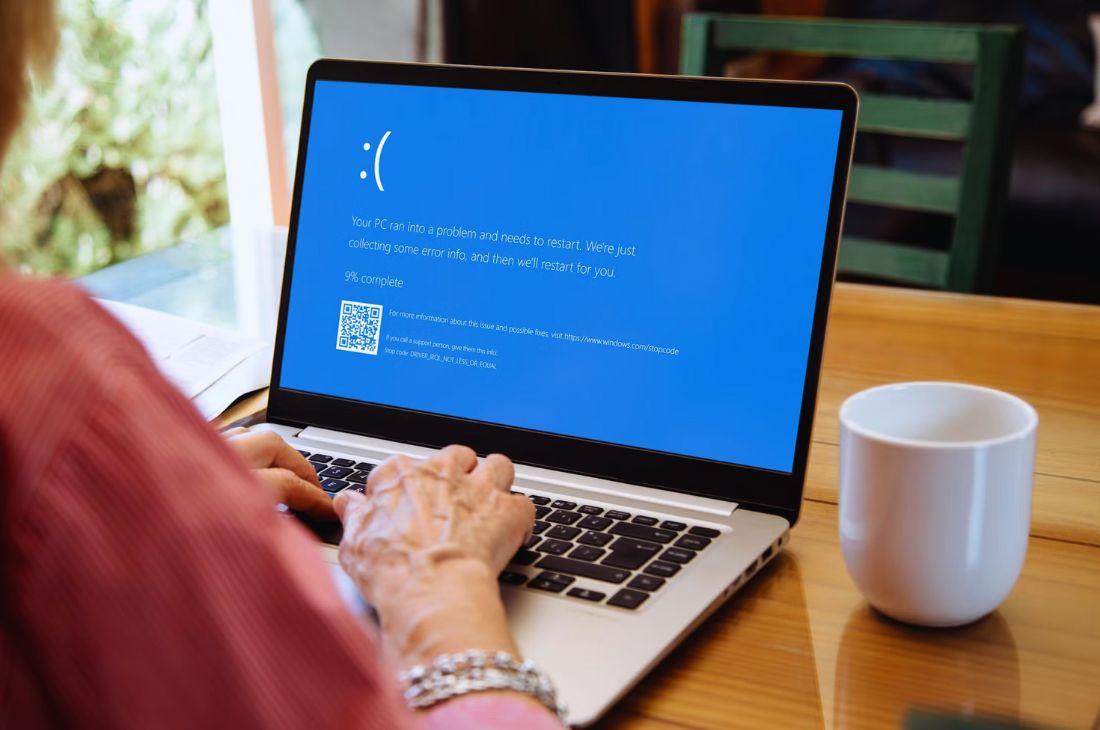
Best Tips to Optimize Your PC Performance
February 26, 2025•5 min readPerformance
“Regular maintenance and optimizations can keep your PC running fast and efficiently for years to come.”
Best Tips to Optimize Your PC Performance
A slow PC can be frustrating, but with the right optimizations, you can boost speed and efficiency...
1. Clean Up Your Hard Drive
Delete unnecessary files and programs...
2. Disable Unnecessary Startup Programs
Too many startup applications can slow down your boot time...
3. Update Your Software & Drivers
Keep your operating system, software, and drivers updated...
4. Upgrade Your Hardware
Adding more RAM or switching to an SSD can significantly boost your PC’s speed...
5. Scan for Malware & Viruses
Run regular antivirus scans...
Tags
#PC Optimization#Speed Boost